
A fast image viewer for Mac
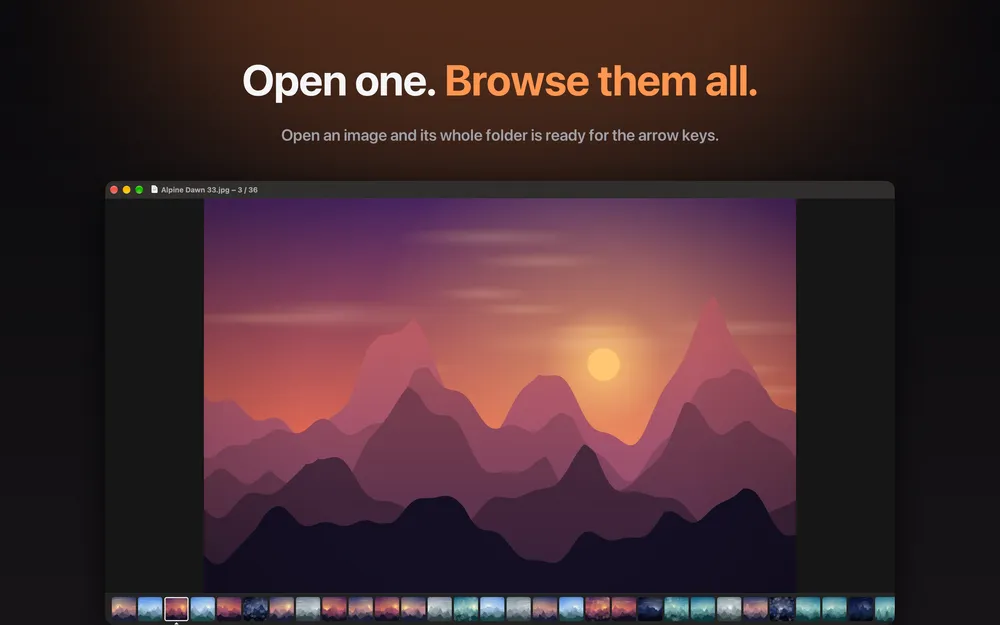
Open one image, flip through the whole folder with the arrow keys
At a glance
- Belvue is a light image viewer for the Mac. Open a single image and the rest of its folder is ready to browse with the arrow keys, in the same order as Finder.
- It is for anyone looking for a Mac image viewer that moves quickly through folders of photos, screenshots or scans, even with thousands of images.
- Your images and file paths stay on your Mac, with no ads and no tracking.
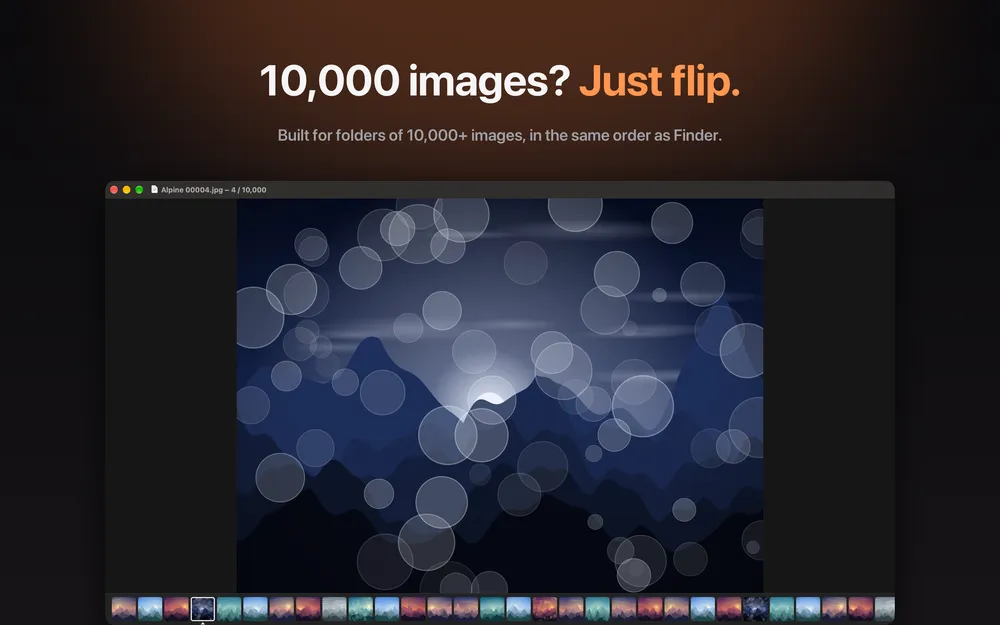
Preview and Quick Look are fine for one picture, but going through a whole folder often means opening images one by one. In Belvue you open one image and the next one appears right away when you press the arrow key. Folders with thousands of images use the same natural order as Finder, and the list follows changes in the folder.
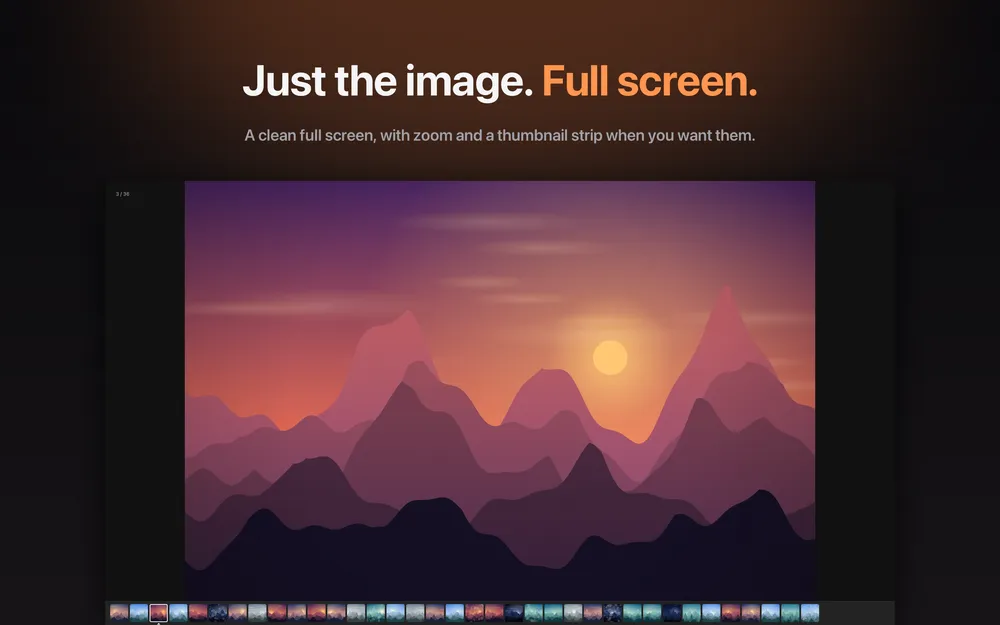
If you search for a fast image viewer for Mac, the useful parts are the small ones: a thumbnail strip, zoom, pan, full screen and an information panel with EXIF details. You can also pick images as you flip with the P key, then act on all your picks at once. Copying the current image is a plain Command-C.
What it does
Open one, browse the whole folder
Open one image and move through its folder with the arrow keys. The next image appears right away, and the order matches Finder, including folders with thousands of images.
Thumbnail strip, zoom and full screen
A thumbnail strip, zoom, pan and full screen are built in, along with an information panel that shows EXIF details.
Pick as you flip
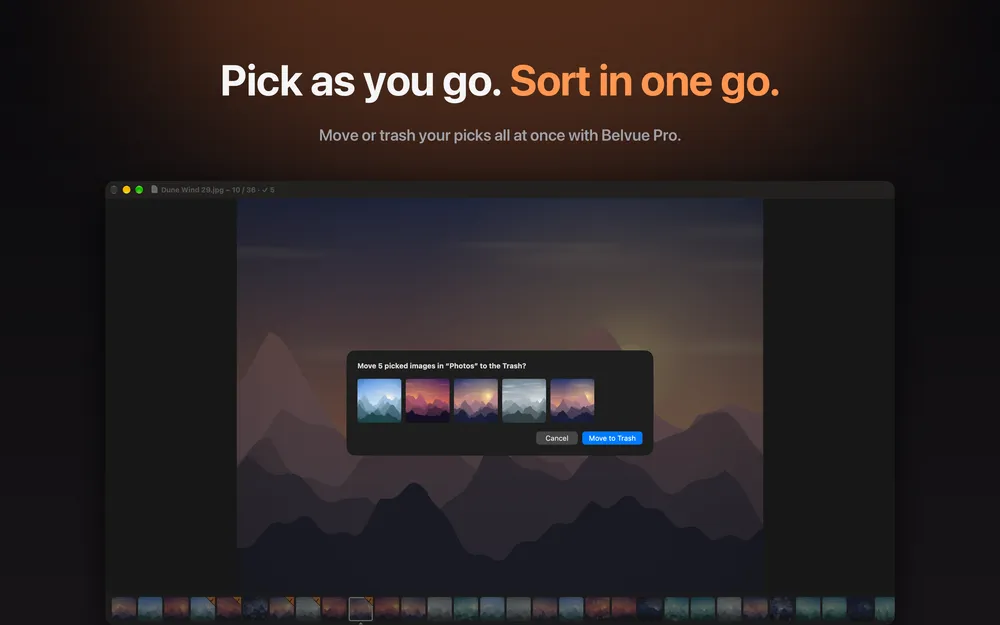
Press P to pick images while you browse. With Belvue Pro you can move, copy or send all picks to the Trash at once, with undo, and the original is never changed when you copy.
Convert to JPEG, PNG or HEIC
Belvue Pro converts picked images to JPEG, PNG or HEIC and creates a new file, so the original stays as it was.
Private by design
Images and file paths never leave your Mac. Belvue has no ads and no tracking, and its only network use is App Store purchases.
Screenshots
Requirements and details
| Platforms | macOS |
|---|---|
| Requires | macOS 15+ |
| Requirements | Mac with macOS 15 or later |
| Image formats | JPEG, PNG, HEIC, RAW and more |
| Convert to | JPEG, PNG, HEIC (Belvue Pro) |
| Sorting | Natural order, the same as Finder |
| Extras | Thumbnail strip, zoom, pan, full screen, EXIF panel, Copy with Command-C, recent folders |
| Privacy | No ads, no tracking; network use only for App Store purchases |
| Pro options | Optional subscription (monthly or yearly) or a one-time Lifetime purchase |
Limits, stated honestly
- Because of the Mac App Store sandbox, macOS gives Belvue access only to the image you open. To browse the rest of its folder, Belvue asks you to allow that folder once. If you decline, the image you opened still opens, but you cannot flip through its siblings.
- Batch move, copy, Trash, conversion, sharing, Open With and the extra backgrounds need Belvue Pro. Viewing, browsing and picking do not.
- Belvue is an image viewer, not a photo library or an editor, and it does not edit your images.
- It is a Mac app only.
Frequently asked questions
What is a fast image viewer for Mac?
Belvue is a light Mac image viewer: open one image and flip through the rest of the folder with the arrow keys, in the same order as Finder, even with thousands of images.
Why does Belvue ask me to allow a folder?
The Mac App Store sandbox lets an app read only the file you opened. Belvue asks once for access to that folder so it can show the other images. If you decline, the opened image still displays.
Which image formats does it open?
JPEG, PNG, HEIC, RAW and more.
Do I need a subscription?
No. Viewing, browsing and picking need no subscription. Belvue Pro is optional for batch move, copy, Trash, conversion and sharing, as a monthly or yearly subscription or a one-time Lifetime purchase.
Does Belvue send my images anywhere?
No. Images and file paths never leave your Mac. Belvue has no ads and no tracking, and its only network use is App Store purchases.