
Everyone starts on the same beat.
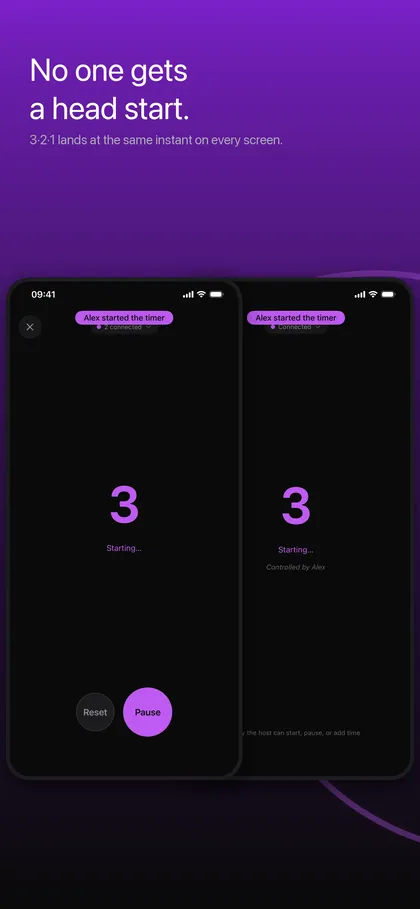
A shared 3-2-1 lead-in counts down on every screen together. With ready check on, the start waits until everyone confirms.
TimerLync · Synchronized timer for iPhone, iPad and Apple Watch
Set the time once and every device in the room shows the same seconds and rings at the same instant.

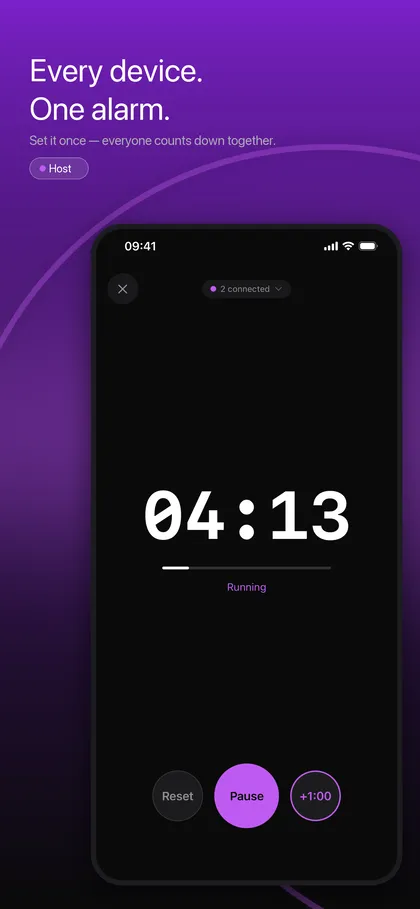
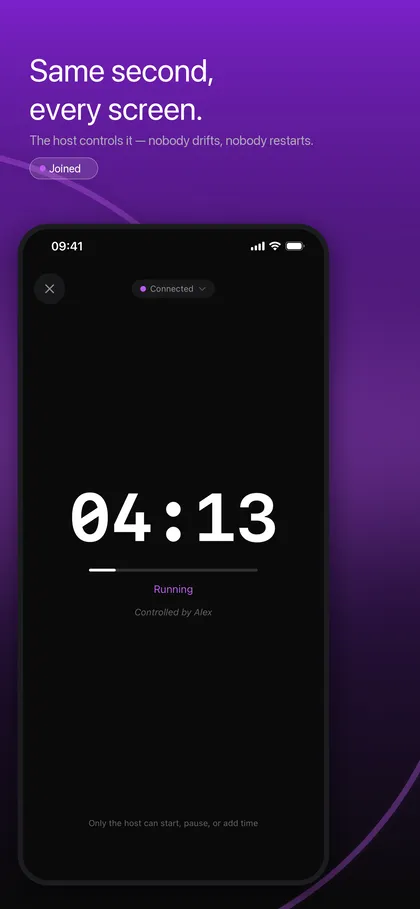
Devices share a single end time and count down on their own, so a shaky connection does not make the numbers jump.
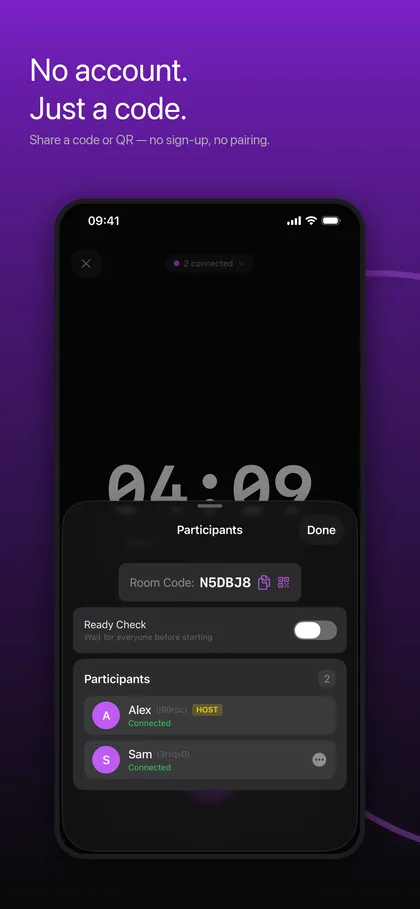
Share a room code or a QR code. Nobody needs an account.
The Apple Watch companion has its own alarm, even away from your phone.
A shared 3-2-1 lead-in counts down on every screen together. With ready check on, the start waits until everyone confirms.
Nearby devices connect over Bluetooth and Wi-Fi. Devices that are apart connect across networks.
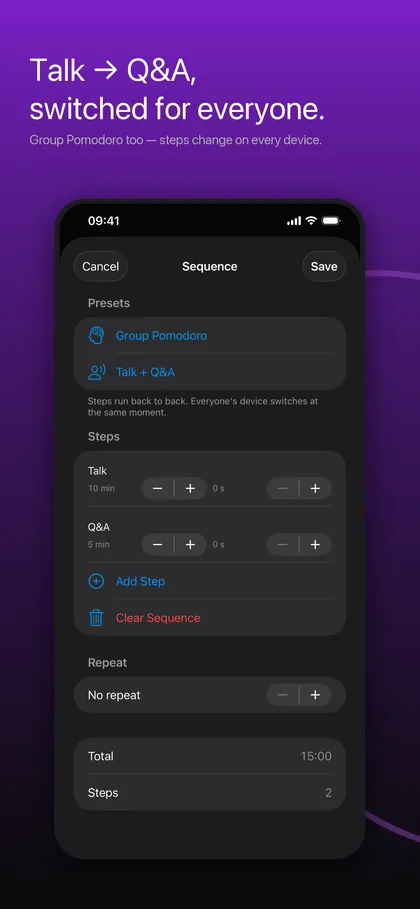
Chain steps that switch on every device at once, or share focus and break cycles with Group Pomodoro.
Create a room, share the code and start the countdown.
Get TimerLync for iPhone, iPad and Apple Watch.
Designed and built by Setlog, an independent developer of Mac and iPhone apps, with 10 apps on the App Store.Also from Setlog: RunVue, IntervalRunner, 급식로그
When several people each start a countdown on their own phone, the timers drift: someone taps first, a screen goes to sleep, an alarm sound differs. A multi device timer fixes that by sharing a single end time instead of streaming remaining seconds. TimerLync devices agree on one end time using network time, then count down locally. Even if Wi-Fi drops or a device goes to sleep, the alarm still fires on schedule, because it is scheduled ahead of time rather than pushed at the last second.
Fair starts matter in group work and workouts. A 3-2-1 lead-in lands at the same instant on every screen, so whoever taps Start does not get a head start. The host can run a ready check that waits until everyone confirms, name co-hosts, and hand the host role to someone else. For talks and events there is a full-screen Stage View with big digits, host messages such as Please wrap up, and a choice of what to show at 00:00.
A synchronized timer for groups is also more than a single countdown. Sequences chain steps, for example Talk 10 min then Q&A 5 min, and every device switches at the same moment. Group Pomodoro shares focus and break cycles with a whole team. If you just want a reliable alarm for yourself, Quick Timer works without a room.
Devices share a single end time and count down locally, so a brief connection wobble does not make the numbers jump. The alarm is scheduled ahead of time, and Strong Alarm can ring even in Silent mode or Focus on iOS 26 or later.
The lead-in is tied to one shared moment, so every screen counts down together. The host starts the timer; pause, +0:30, +1:00 and reset can be opened to everyone. Ready check holds the start until all participants confirm.
Create a room and share a code or QR. Nearby devices connect over Bluetooth and Wi-Fi, and devices that are apart connect across networks. Anyone with the app can join a room, and with Pro the host can open a room of up to eight devices.
Chain steps that switch on every device, share focus and break cycles, show a full-screen display for the podium, and send a message to every screen. When the timer ends it can hold at 00:00, count overtime, flash, or show the clock, set once for the whole room.
The Apple Watch companion has its own alarm, even away from your phone. A Live Activity and Dynamic Island show the countdown without unlocking, and there is a Lock Screen widget and Siri support for starting a countdown.
Create a room, choose the countdown time and start it. Others join by room code or QR, and every device shows the same remaining time and rings at the same instant.
Each device counts down locally to a shared end time, and the alarm is scheduled ahead of time. The alarm still fires on schedule, though a dead battery or a silenced phone will not ring.
With Pro, the host can open a room of up to eight devices. Anyone with the app can join a room, and only the host needs Pro.
No. You create or join a room with a code or QR, and nobody signs in. Session history stays on your device, and Pro adds CSV export of that history.
Yes. Quick Timer is a plain countdown with the same reliable alarm and needs no room. The Apple Watch companion has its own alarm, even away from your phone.
Yes. A sequence chains steps such as Talk 10 min and Q&A 5 min, and every device switches at the same moment. Group Pomodoro uses the same idea for focus and break cycles.