
Every image in the folder, one key away.
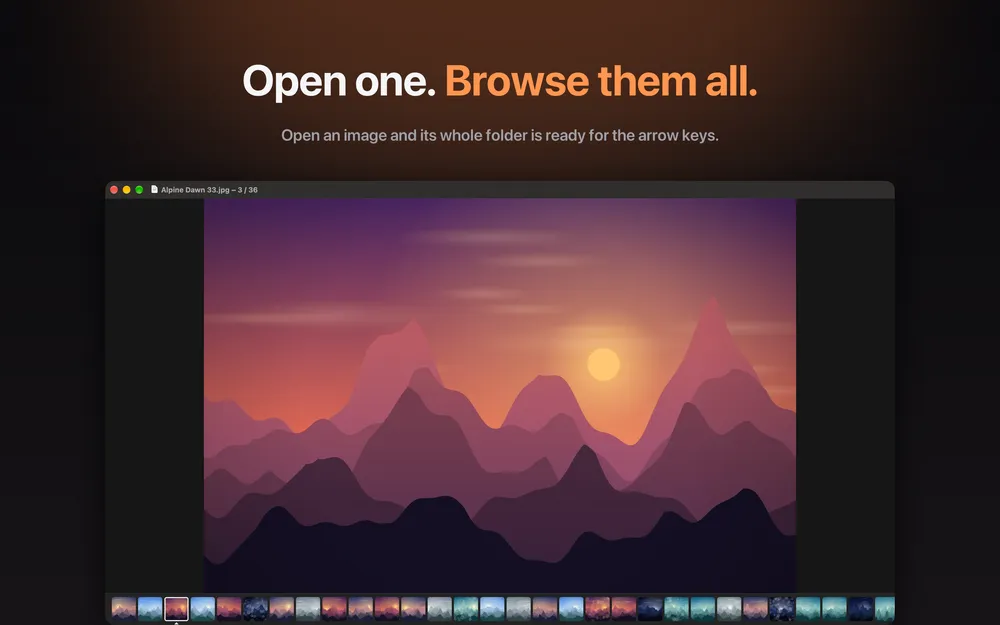
Open one image and the rest of its folder is ready to browse. The order matches Finder, even in folders with thousands of images.
Belvue · Image viewer for Mac
Open one image, then browse the whole folder with the arrow keys.


The arrow keys move through every image beside the one you opened. The next one appears right away.
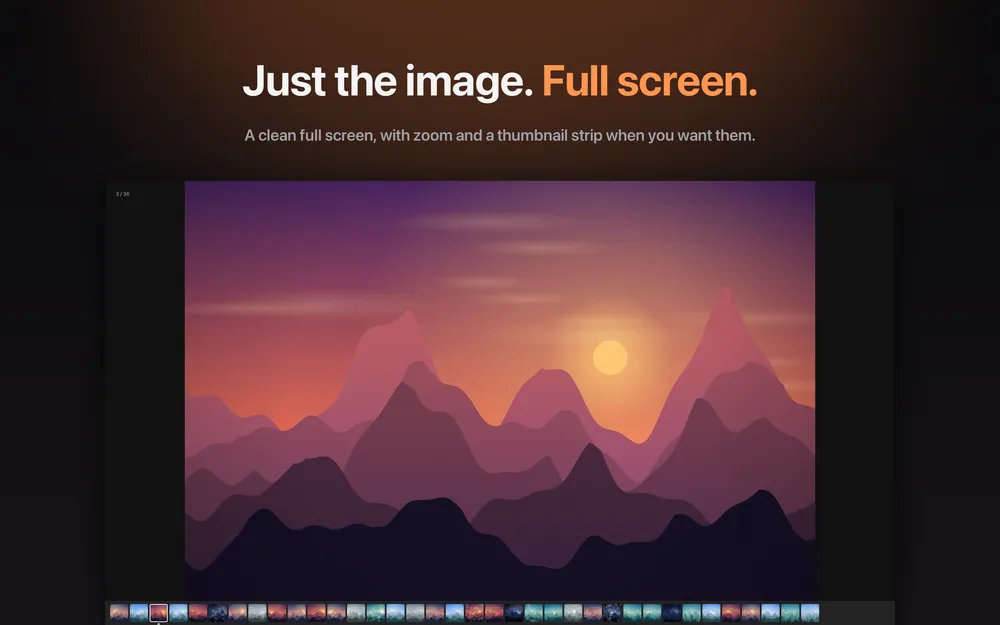
A thumbnail strip, zoom, pan and full screen are built in, with an information panel for EXIF details.
Images and file paths never leave your Mac. Belvue has no ads and no tracking.
Open one image and the rest of its folder is ready to browse. The order matches Finder, even in folders with thousands of images.
Zoom, pan and full screen are built in, with a thumbnail strip along the way. The information panel shows EXIF details.
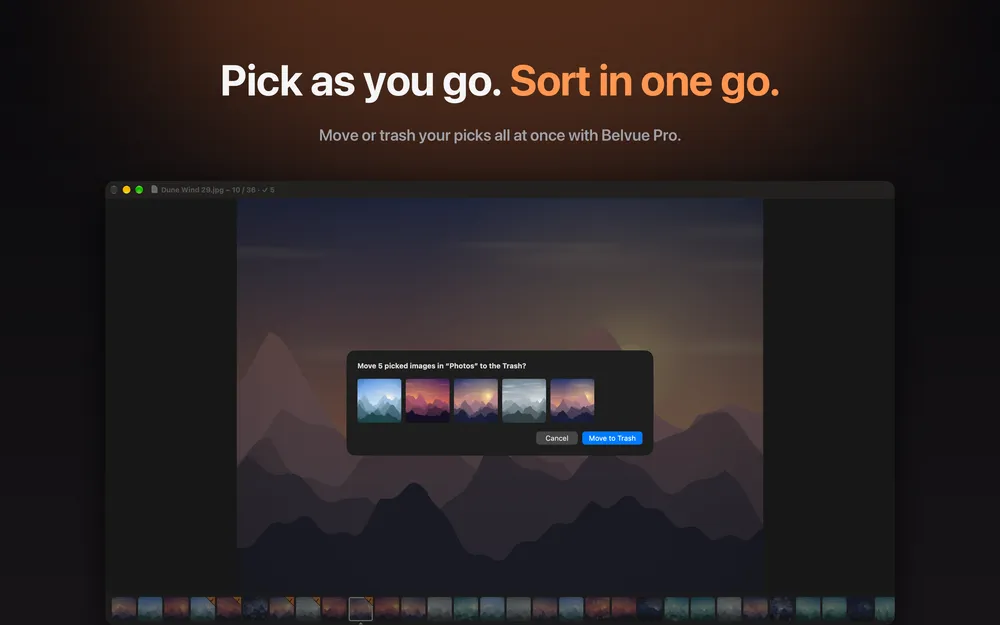
Pick images with P while you browse. Then move, copy or send all picks to the Trash at once, with undo.
Open any image in it with Belvue and allow the folder once. Then just press the arrow keys.
Get Belvue for Mac.
Designed and built by Setlog, an independent developer of Mac and iPhone apps, with 10 apps on the App Store.Also from Setlog: Charcoal Player, slplayer, RunVue
Preview and Quick Look are fine for one picture, but going through a whole folder often means opening images one by one. In Belvue you open one image and the next one appears right away when you press the arrow key. Folders with thousands of images use the same natural order as Finder, and the list follows changes in the folder.
In a Mac image viewer, the useful parts are the small ones. Belvue has a thumbnail strip, zoom, pan, full screen and an information panel with EXIF details. You can also pick images as you flip with the P key, then act on all your picks at once. Copying the current image is a plain Command-C.
Open one image and move through its folder with the arrow keys. The next image appears right away, and the order matches Finder, including folders with thousands of images.
A thumbnail strip, zoom, pan and full screen are built in, along with an information panel that shows EXIF details.
Press P to pick images while you browse. With Belvue Pro you can move, copy or send all picks to the Trash at once, with undo, and the original is never changed when you copy.
Belvue Pro converts picked images to JPEG, PNG or HEIC and creates a new file, so the original stays as it was.
Images and file paths never leave your Mac. Belvue has no ads and no tracking, and its only network connection is to the App Store for Belvue Pro.
Belvue is a light Mac image viewer. Open one image and flip through the rest of the folder with the arrow keys, in the same order as Finder, even with thousands of images.
The Mac App Store sandbox lets an app read only the file you opened. Belvue asks once for access to that folder so it can show the other images. If you decline, the opened image still displays.
JPEG, PNG, HEIC, RAW and more.
Viewing, browsing and picking work without Pro. Belvue Pro is optional and adds batch move, copy and Trash for your picks, conversion to JPEG, PNG or HEIC, sharing, Open With and extra backgrounds.
No. Images and file paths never leave your Mac. Belvue has no ads and no tracking, and its only network connection is to the App Store for Belvue Pro.