
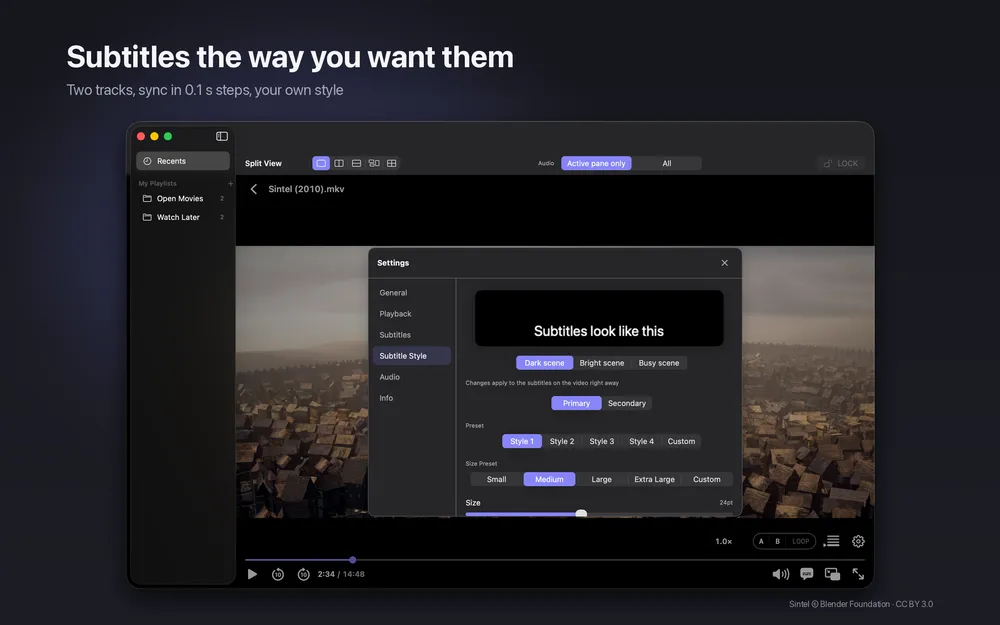
Dual subtitles and sync, in one place.
Show two subtitle lines at once, nudge the sync in 0.1-second steps and set the style with a live preview. Each file keeps its offset.
slplayer · Video player for Mac
Opens MKV and shows your subtitles right, using the media engine built into macOS.

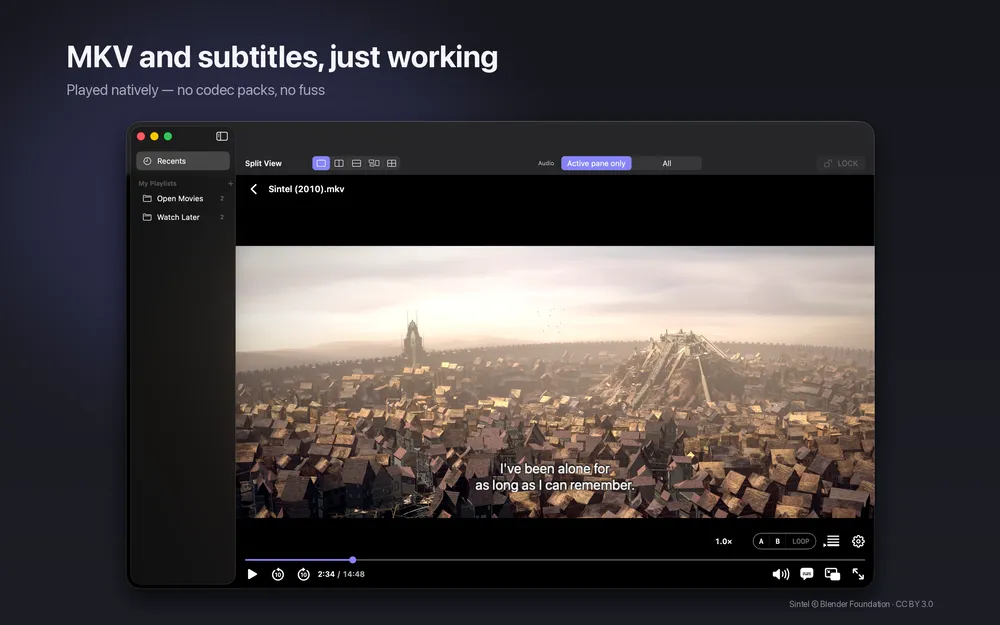
MKV, MP4, M4V, MOV and MPEG-TS open directly. There is no codec pack to install.
SRT, VTT and SMI load with the video. Korean SMI files saved in EUC-KR are detected automatically, so they never turn into gibberish.
slplayer bundles no decoder of its own. macOS handles playback, so it stays light on battery.
Show two subtitle lines at once, nudge the sync in 0.1-second steps and set the style with a live preview. Each file keeps its offset.
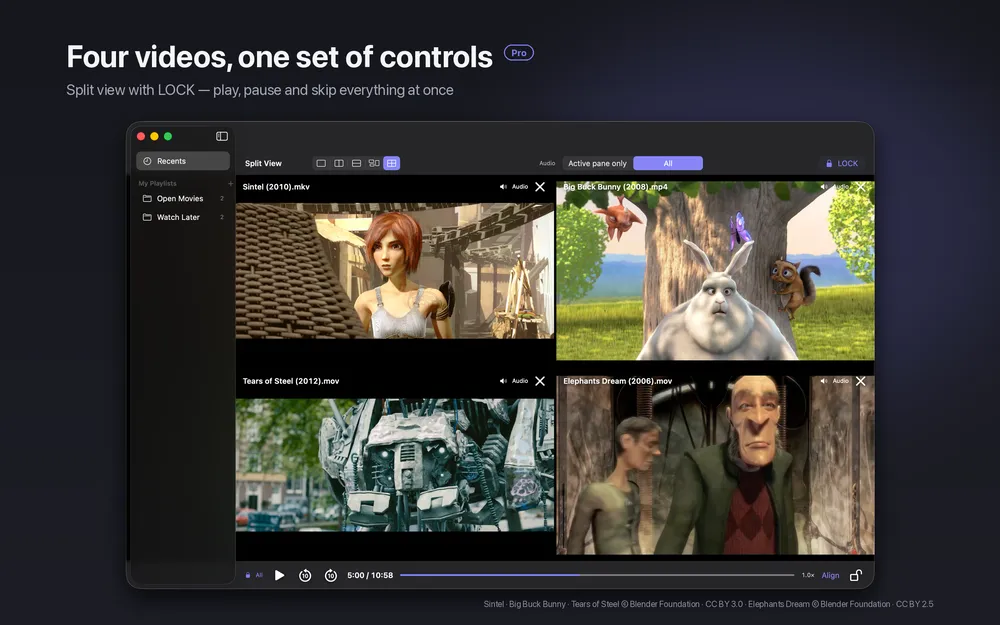
Split view plays up to four videos side by side. Picture in picture and a menu bar mini player are there too.
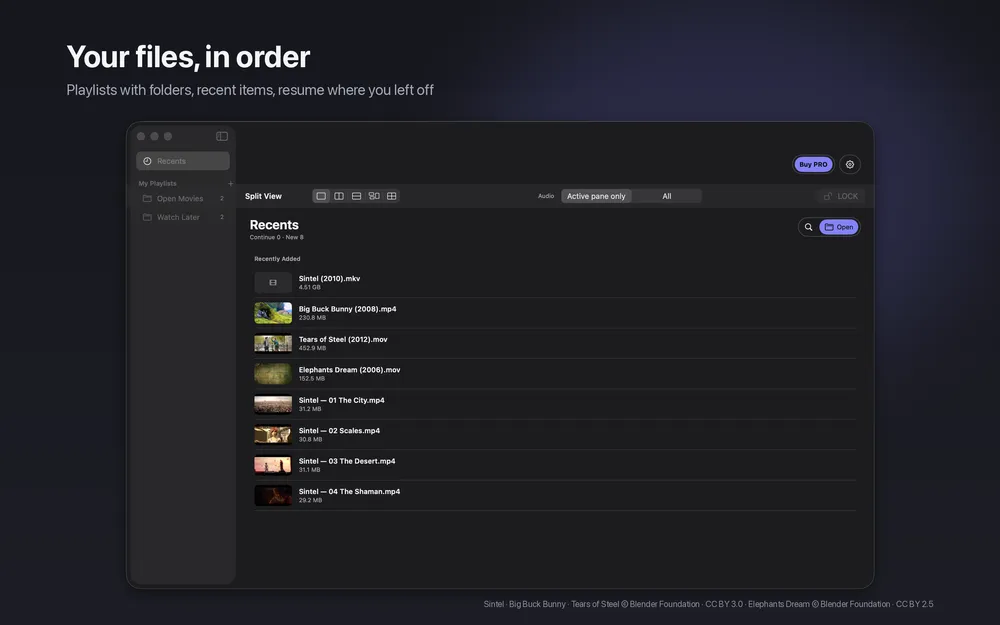
Drop several files to build a queue and keep playlists in folders. Each video continues from where you stopped.
Drag the file onto slplayer and press play. Nothing to set up first.
Get slplayer for Mac.
Designed and built by Setlog, an independent developer of Mac and iPhone apps, with 10 apps on the App Store.Also from Setlog: Charcoal Player, Belvue, RunVue
QuickTime Player often refuses MKV files. The reason is that MKV is a container, a kind of box, and the video and audio inside use codecs that decide whether a Mac can decode them. slplayer opens the MKV container and hands the streams to macOS, so files with H.264 or HEVC video and common audio such as AAC, AC-3, E-AC-3 or FLAC play without extra software.
If you are searching for an MKV player for Mac or just a video player for Mac that does not feel heavy, the idea is simple: drag a file onto the window, open it from Finder, or drop several files at once to build a queue. Subtitles in SRT, VTT and SMI load next to the video, two tracks can show at the same time, and you can choose which audio track you hear. Everything runs on your Mac and the app makes no network requests of its own.
MKV, MP4, M4V, MOV and MPEG-TS open directly. H.264 and HEVC, including 10-bit and HDR10, plus AAC, AC-3, E-AC-3 and FLAC are supported. HDR, picture in picture and energy efficiency come from macOS itself.
Subtitle files load alongside the video. Korean SMI files saved in EUC-KR are detected automatically, so they do not turn into gibberish. You can show two subtitle tracks at once, shift timing in 0.1-second steps, and the sync is remembered per file.
Pick the audio track you want from episodes that carry two languages. Playback speed runs from 0.5x to 2.0x in 0.1 steps, and every action has a keyboard shortcut.
Drop several files to build a queue, organise playlists with folders, reopen recent items, and continue from where you stopped.
Everyday playback works without Pro, from MKV and subtitles to speed and playlists. slplayer Pro adds split view for up to four videos, picture in picture, a menu bar mini player, A-B loop and a sleep timer.
QuickTime Player often cannot open MKV because it is only a container. Open the file in slplayer by dragging it onto the window or choosing it in Finder. If the video and audio inside use codecs macOS supports, such as H.264, HEVC, AAC or AC-3, it plays.
The audio codec inside the file is not one your Mac can decode. slplayer then plays the video and shows a notice when playback starts, because it plays only formats macOS supports.
The documented subtitle formats are SRT, VTT and SMI. Image-based subtitles are not shown, and other formats are not guaranteed.
No account is needed, and the app makes no network requests of its own. Opening files, MKV, subtitles, sync, speed and playlists all work without Pro.
slplayer Pro is optional. It adds split view for up to four videos, picture in picture, a menu bar mini player, A-B loop and a sleep timer. Basic playback works the same without it.